Aden UI — Component Platform
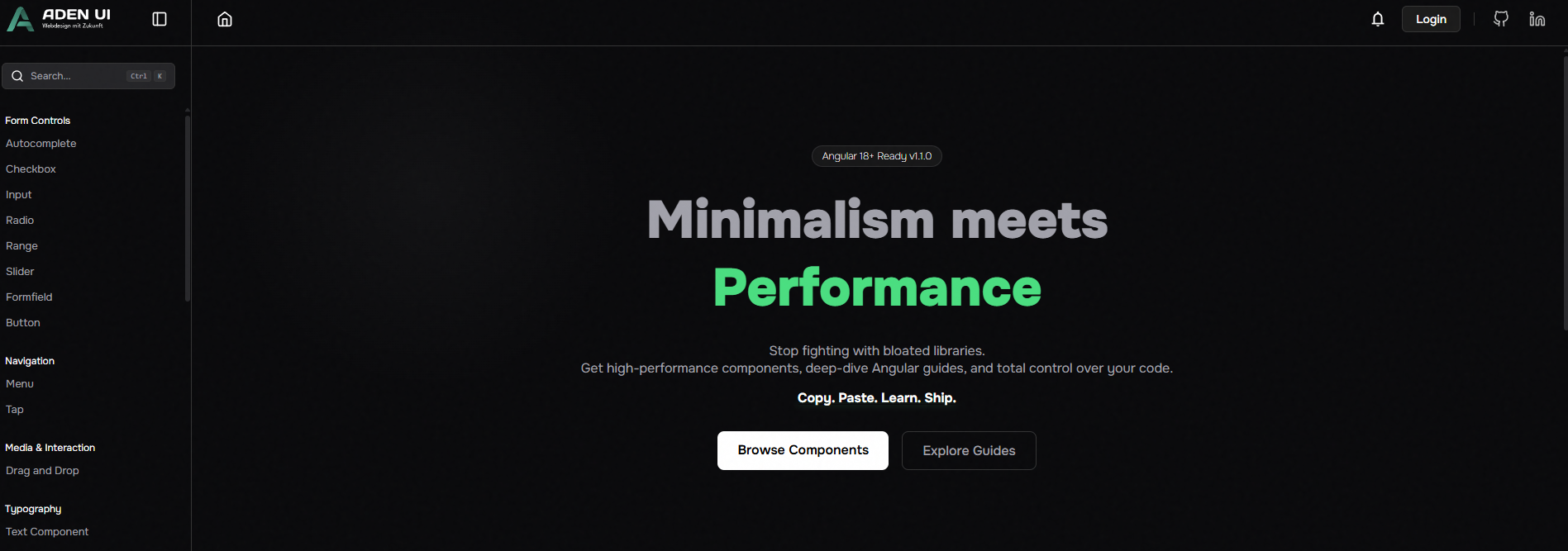
Aden UI is the official platform behind the community — an interactive component library specifically for Angular developers. Every component is presented in a live playground, follows the latest Angular standards and is ready to use via copy-paste. The platform also offers a growing collection of custom frontend guides as a personal reference.
:::info Live Project Repository is private — the platform is publicly accessible. :::
What is Aden UI?
A component library platform with three core areas:
- Playground — Test every component live in the browser and copy the code directly
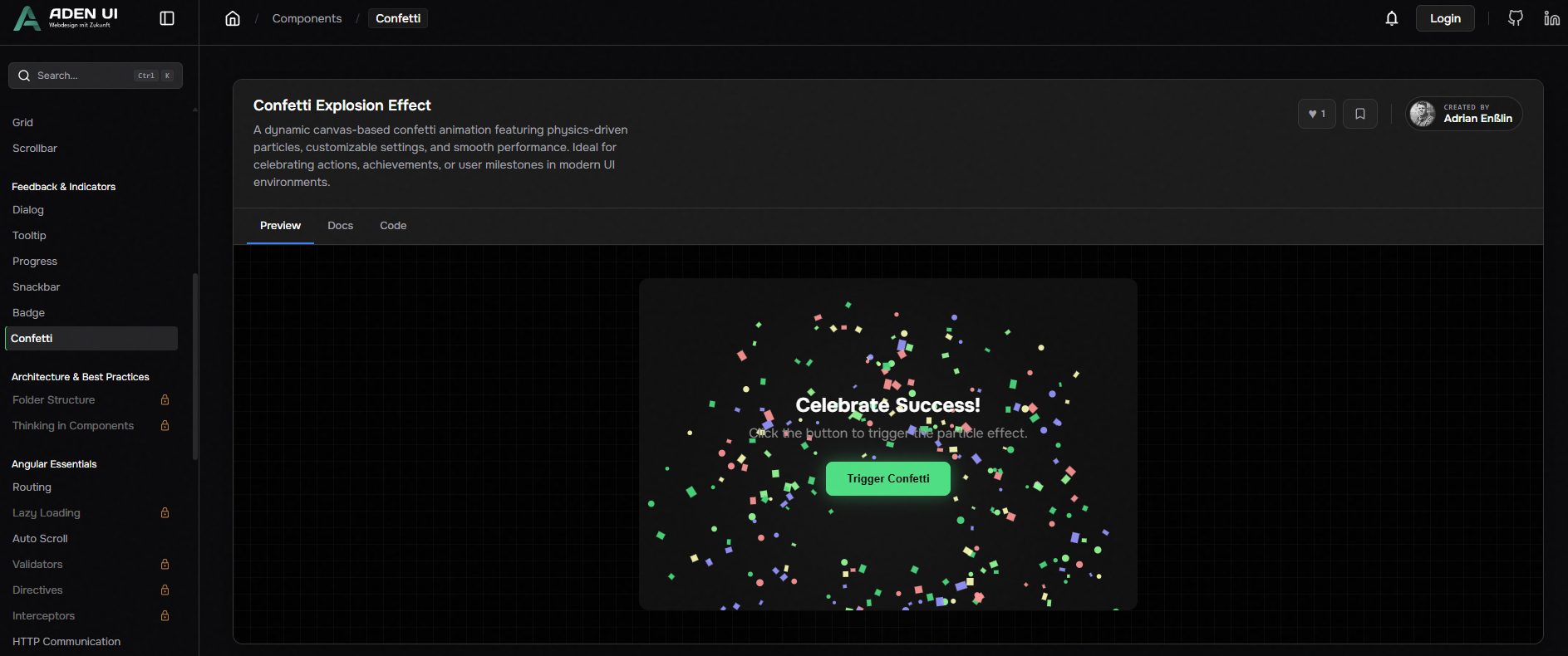
- Components — Curated Angular components following modern standards
- Guides — Personal frontend guides as a central reference
The platform runs in the browser and as a desktop app via Electron — for developers who want to access their components and guides offline.
Tech Stack
Angular Django Electron Docker Nginx GitHub Actions Dev Container
Project Structure
aden-ui/
├── 📁 .devcontainer/           # Dev container configuration
├── 📁 .github/
│   └── 📁 workflows/           # CI/CD Pipeline
├── 📁 aden-frontend-library/   # Angular App + Playground
├── 📁 aden-backend-library/    # Django Backend
├── ⚙️ docker-compose.yml       # Orchestration
├── ⚙️ .env.template            # Environment variables template
└── 📄 .gitignore
Component Standards
All components on Aden UI follow the same quality standards:
- Angular Signals —
input(),output(),signal(),computed()instead of classic decorators - Standalone Components —
standalone: true, no NgModules - Accessibility — ARIA attributes, keyboard navigation, semantic HTML
- Copy-Paste Ready — No hidden dependencies, directly usable
- Responsive — Works from 320px to desktop
Guides
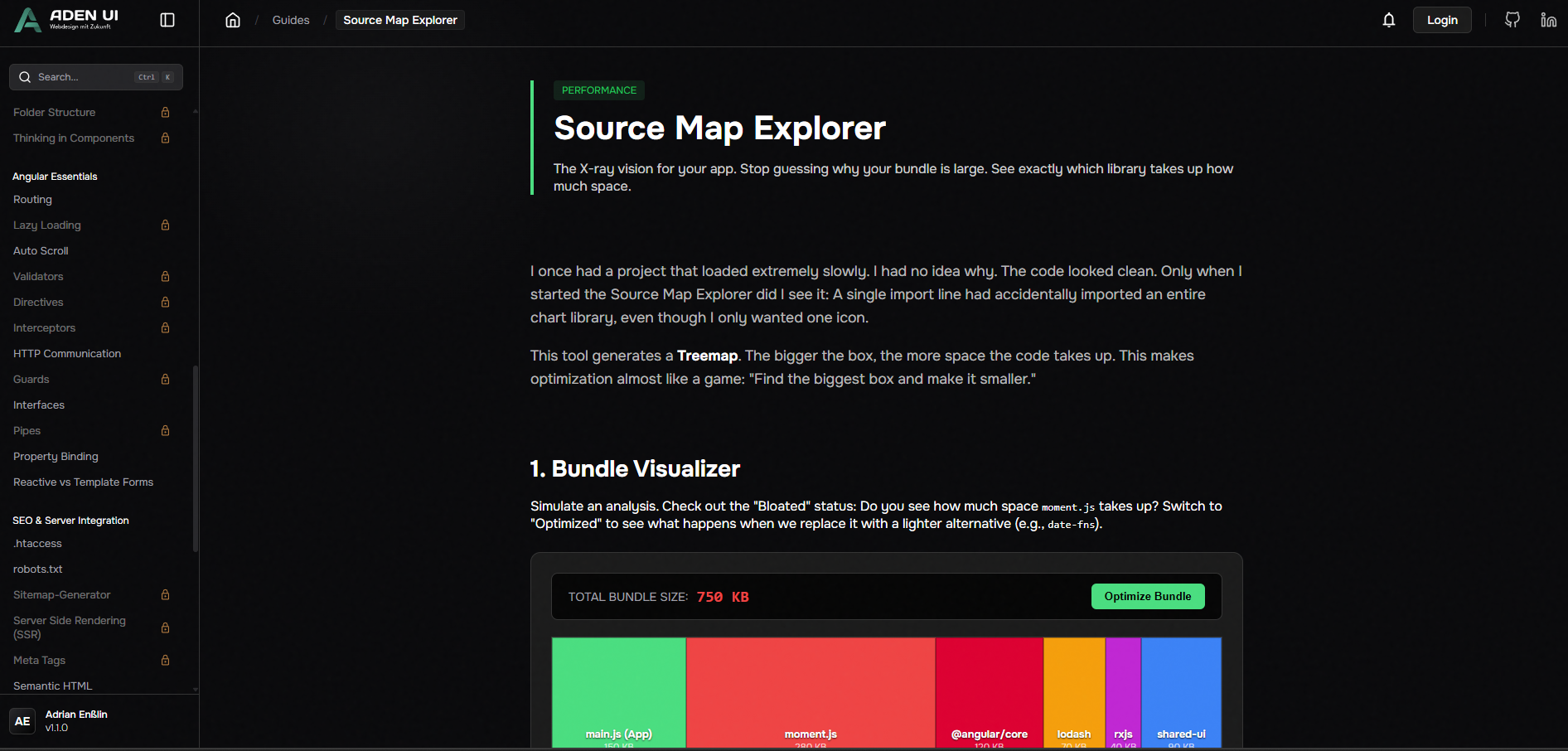
The guides section is a personal reference for concepts and patterns you'd otherwise have to look up constantly — in one place, always available, even offline via the Electron app.
Topics include:
- Angular Patterns & Best Practices
- RxJS & Signals
- Performance Optimizations
- CSS & SCSS Techniques
Electron Desktop App
Aden UI is not just a web platform — it's also available as a native desktop application. Developers can use components and guides without a browser and without an internet connection — ideal for use directly in the code editor workflow.
Dev Container
The project uses a Dev Container for a fully reproducible development environment. Every developer starts with the same configuration — no "works on my machine".
What I Learned
- Electron — Converting a web app into a desktop application and understanding the specifics of the main/renderer process model
- Dev Container — Containerizing development environments so that onboarding is reduced to seconds
- Component API Design — Designing components so other developers can use them intuitively without having to read documentation
- Platform Thinking — The difference between a project and a platform that other developers use and build upon
Links
- 🔒 GitHub Repository — Private
- 🌐 Live Website
- 📦 Community Repository